Let your guests find their own table.
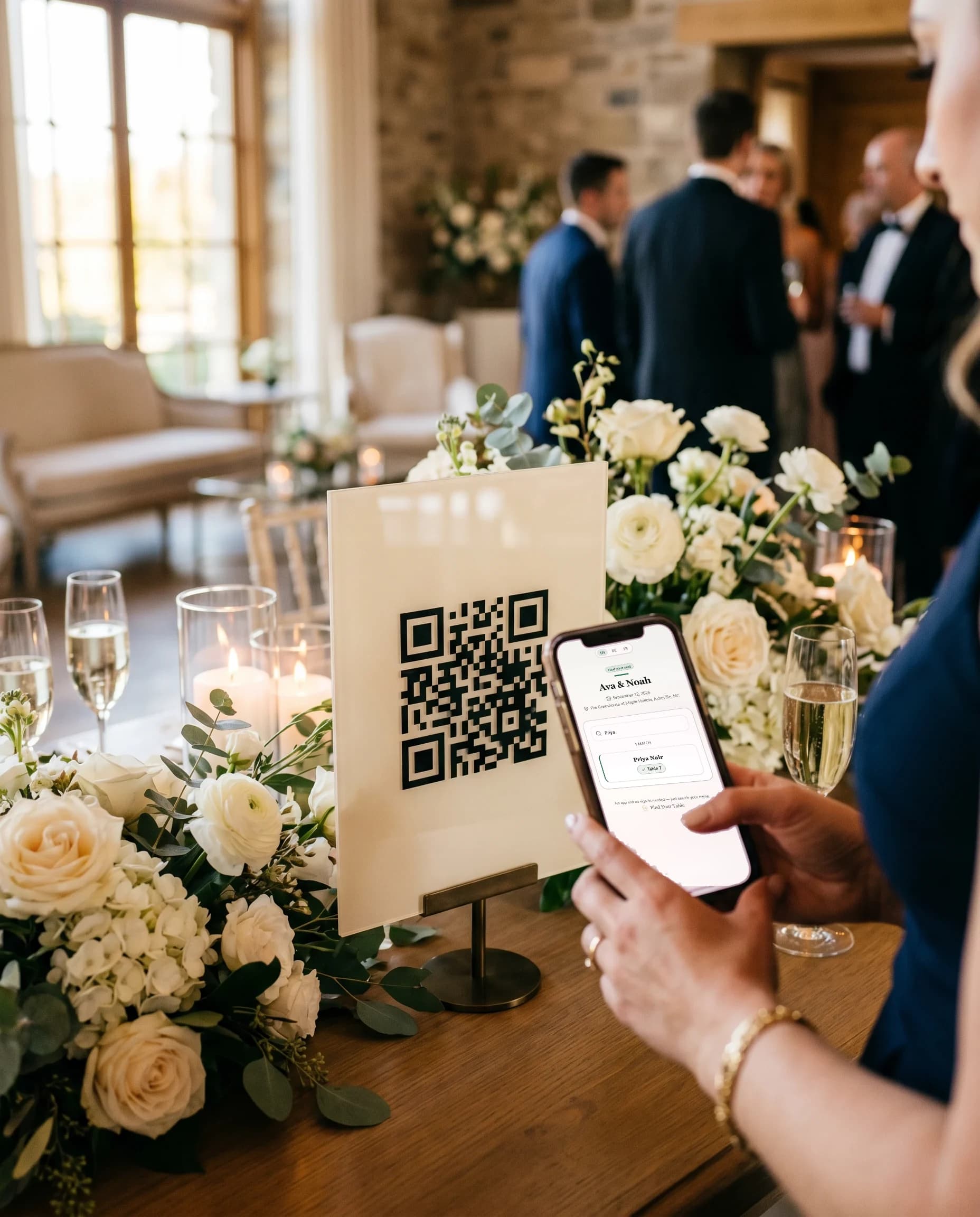
Guests scan your QR code, search their name and see their table. No app needed. If plans change, the QR code and link stay the same.
Free for one event with up to 50 guests. No app for guests.
Create your free event
Scan the sign
Search their name
Find their table
From the QR code to their table.
1
Scan the sign
Guests open the event page with their phone camera. There is no app to install.
2
Search their name
They type part of their first or last name and see their assigned table.
3
Find their table
The result gives them the table name or number you saved.
Quick answers before you start.
Is it free to use?+
Yes. The free plan includes one event with up to 50 guests, live guest lookup and QR downloads. Sign in with a code sent to your email to create your event.
How do guests find their table?+
They open your link or scan the QR with their phone, type their name, and see their table right away. Search works on partial names, so a few letters is enough.
Do guests need to download an app?+
No. It opens as a normal web page in any phone browser. No app to install, no account to create, no login.
Can I upload my guest list with a CSV?+
Yes. Open your event, choose Import CSV, and upload a spreadsheet saved as .csv. You'll see a preview before anything is saved, and there's a sample template inside the dialog.
Can I edit guests and table assignments later?+
Anytime. Add, edit, or remove guests and move people between tables whenever you like. Once you save, a guest who opens or refreshes the page and searches their name sees the update. Your link stays the same.
Is private info like notes or dietary needs shown publicly?+
Groups, dietary needs and host notes stay private. A name search shows matching guest names and their tables; event details and any enabled guest features are also public.
Contact support · Refund policy · More on what each plan includes? See pricing
Build it free. Upgrade when your guest list grows or you want the extras.
Pay once per event. Event plans are not a subscription.
Launch pricing while we welcome our first customers.
Free
1 event · up to 50 guests
A live guest page for a small event.
Start free- Live QR lookup & guest link
- Basic guest list & CSV import
- Name search → table result
- Live on the day — not a trial
Premium
One-time payment per event · never renews
Up to 10,000 guests per event
Multilingual, invitations and priority support.
Choose Premium- Live QR lookup & guest link
- Basic guest list & CSV import
- Everything in Plus
- Platinum Wedding Invitation Library
- Multilingual guest page
- 15 GB photo & video gallery · 12 months
- Priority email support
Recommended
Plus
One-time payment per event · never renews
Up to 10,000 guests per event
Branding, guest gallery and signage templates.
Choose Plus- Live QR lookup & guest link
- Basic guest list & CSV import
- Everything in Essential
- Custom branding & colors
- 5 GB photo & video gallery · 6 months
- Venue Signage Template Library
Essential
One-time payment per event · never renews
Up to 10,000 guests per event
Up to 10,000 guests, plus menu, floor plan and check-in.
Choose Essential- Live QR lookup & guest link
- Basic guest list & CSV import
- Menu & floor plan pages
- Check-in mode
- Master Wedding Checklist Toolkit
Per-event plan prices are shown in US dollars. Upgrade your event any time before the big day.
Planning events for clients? Venue is a separate plan for workspaces, not one of these event plans. Venue is an annual subscription for planners and venues, US$588/year, billed annually. US$49/month equivalent, US$588 charged annually. Renews each year until you cancel. In US dollars in every country, plus applicable taxes. See the Venue plan for planners and venues